If you're having trouble logging in to Tugger, resetting your password, or getting locked out, the solutions below should help.
Forgotten password
-
Go to tuggerapp.com
-
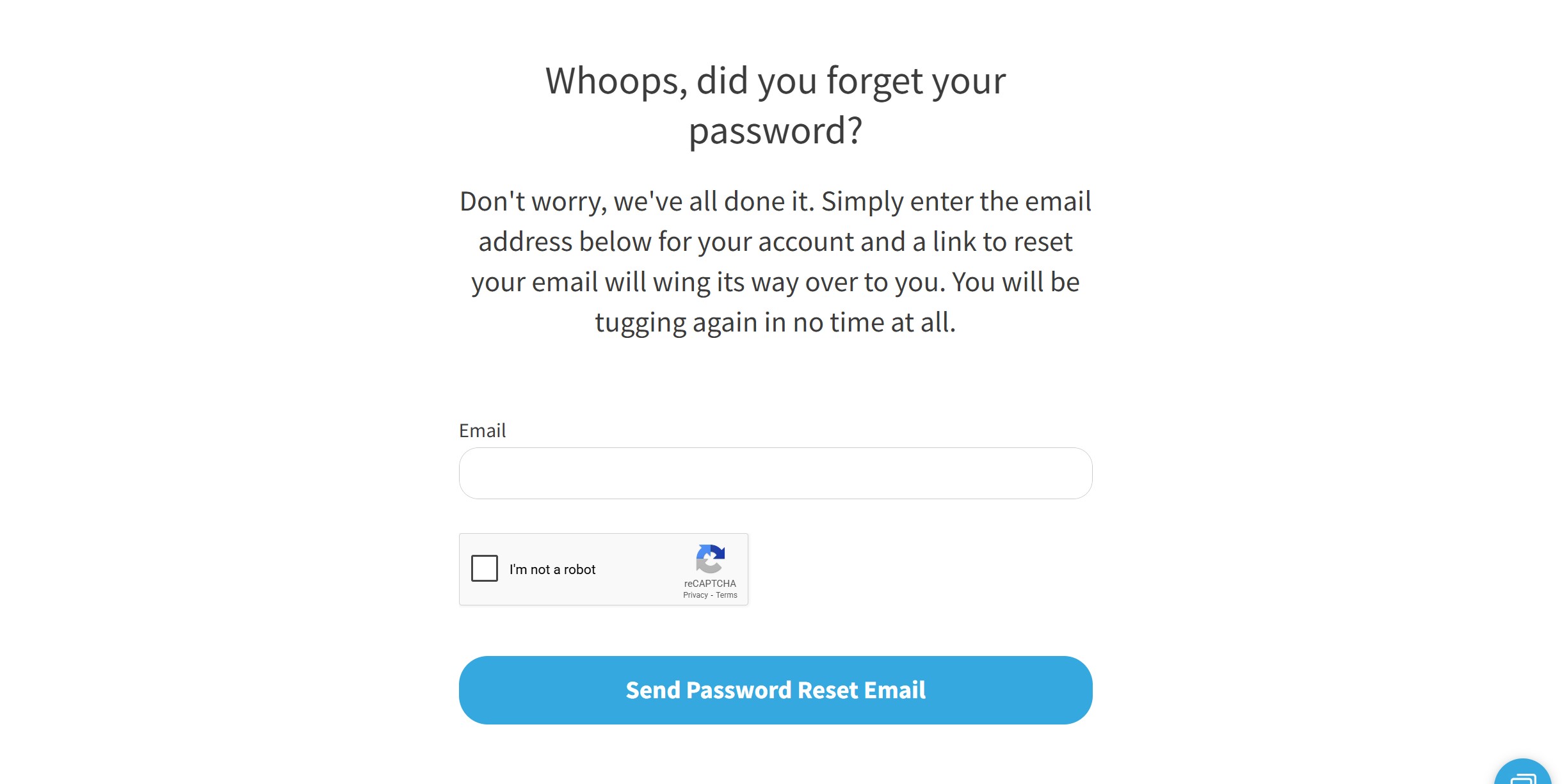
On the sign-in page, click Sign in with email, then click Forgot password?
-
Enter the email address you registered with
-
Click Send reset link.
-
Check your inbox for a password reset email and follow the link to set a new password
The link works once and lasts for 24 hours.
Tip: If the reset email doesn't arrive, check your spam or junk folder.
Account locked out
If you enter an incorrect password 6 times, your account is locked for 30 minutes.
- Wait 30 minutes and try again
- If you can't remember your password, click Forgot password? to set a new one, then sign in once the 30 minutes are up.
- If the issue persists, contact the Tugger team
Xero SSO login not working
If you signed up using Xero SSO and can't log in:
- Make sure you're clicking Sign in with Xero on the Tugger login page (not entering an email and password)
- Check that you can log in to Xero directly at xero.com. If you can't, the issue is with your Xero account rather than Tugger
- If you have two-factor authentication enabled in Xero, make sure you're completing that step
- If Xero asks you to authorise Tugger again, click Allow Access to continue
For more detail on Xero SSO, see SSO Login (Xero).
Email address or password is incorrect
If Tugger says The email address or password is incorrect:
- Check you're using the same email you registered with. If you signed up via Xero SSO, this will be your Xero login email.
- Check for typos or extra spaces in the email field
- If you're part of a team, check with your Tugger admin that your account has been created
Password reset email not arriving
If you've requested a password reset but haven't received the email:
- Check your spam or junk folder
- Make sure you're checking the inbox for the email address you registered with
- Wait a few minutes. Email delivery can sometimes be delayed
- If 5 minutes have passed, request the reset again.
- If it still doesn't arrive, contact the Tugger team
Need to change your email address?
You can change it yourself. Go to Account > My Profile, enter your new email address, confirm your current password and click Update my Profile. Then click the link we send to the new address within 48 hours. You can't sign in with the new address until you do. If you signed up with Xero, contact the Tugger team instead.
Related articles: